
Arbor Nota now gives you more control over how bookmarks and folders are organized, shared, restored, and managed.
This update adds a new Trash area for folders and bookmarks, so deleted items are not gone immediately. Trashed items can be restored from settings or permanently deleted when needed, with a 30-day deletion window to help prevent accidental loss.
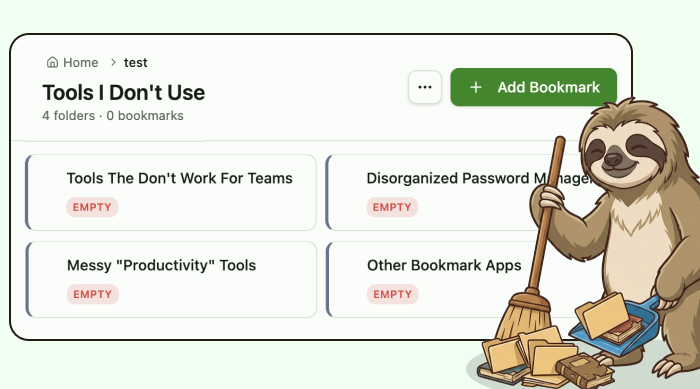
Folders and bookmarks are also easier to manage. You can rename folders, nest folders, move items, drag bookmarks into folders, and use clearer action menus for editing, sending, sharing, and trashing. Lists now stay tidy by showing folders first, then bookmarks, with both sorted alphabetically.
A new notifications panel helps keep important activity in one place. Sent items, shared items, permission changes, ownership transfers, and other account events can now appear as in-app notifications, with email notifications supported through Resend where enabled.
Sending and sharing have also been clarified. Sending creates a separate copy for the recipient, while sharing gives access to the original item inside an organization. Free users can send bookmarks and folders, while sharing is available for paid organization users where permissions allow.
This update also expands account and organization management with data export, account deletion flows, organization deletion safeguards, retention rules, and clearer ownership protections. Organization owners now have added guardrails to help prevent teams from being left without an owner.
Together, these changes make Arbor Nota feel more complete, safer to use, and easier to manage as your saved links and team resources grow.
.png)
%201.png)